

Blackout CAM
Your PC's command center. Monitor, control, and optimize your system — all from one intuitive app.

System Monitoring
Track your CPU, GPU, RAM, and storage performance in real time with beautiful, easy-to-read dashboards.
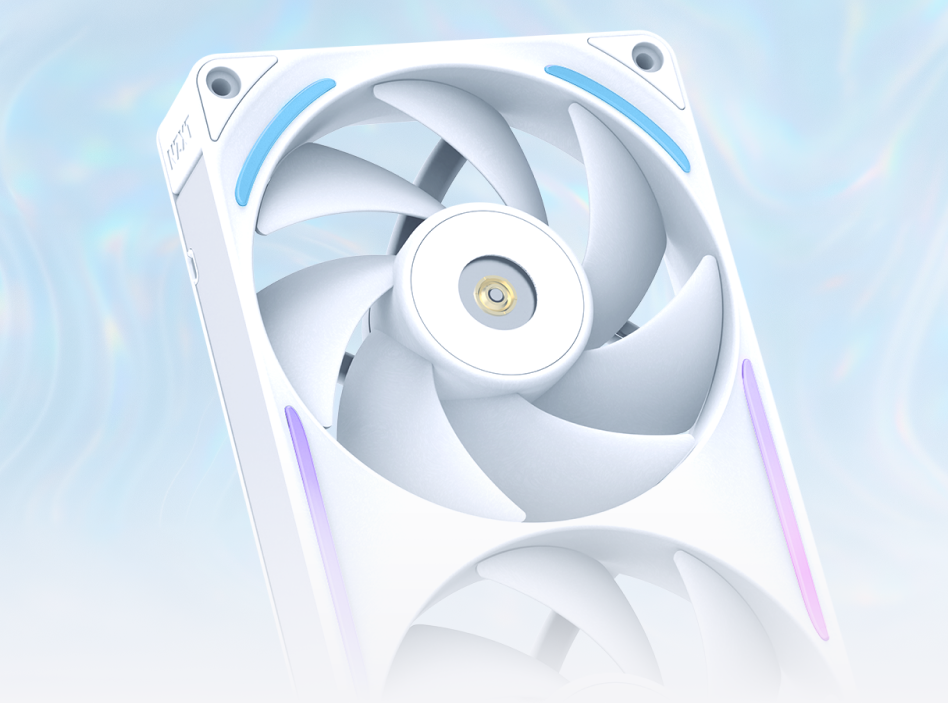
Function Keyboard
Digitally controlled through Blackout CAM — customize per-key RGB, macros, and switch profiles on the fly.
Master Your Machine
Take full control of fan speeds, pump settings, and RGB lighting. Create custom profiles and switch between them instantly.
Smart Scheduling
Set automatic lighting and fan profiles based on time of day or running applications.
Just Released
CAM-Compatible Products
Collection "cpu-coolers" not found.
Collection "case-fans" not found.
System Requirements
OS: Windows 10/11 (64-bit)
CPU: Intel Core i3 or AMD Ryzen 3+
RAM: 4 GB minimum
Storage: 200 MB available
Internet: Required for download and updates
Frequently Asked Questions
Is Blackout CAM free?
Yes, completely free with no premium tiers or hidden costs.
Does CAM work with non-Blackout Computers hardware?
CAM monitors system performance on any Windows PC. Hardware control features require compatible Blackout Computers devices.
Does the overlay affect performance?
The CAM overlay is lightweight with minimal impact on game performance.


